Before We Start: Some Quick Checks
Before diving into specific fixes, let's check some obvious things that solve 30% of login problems immediately:
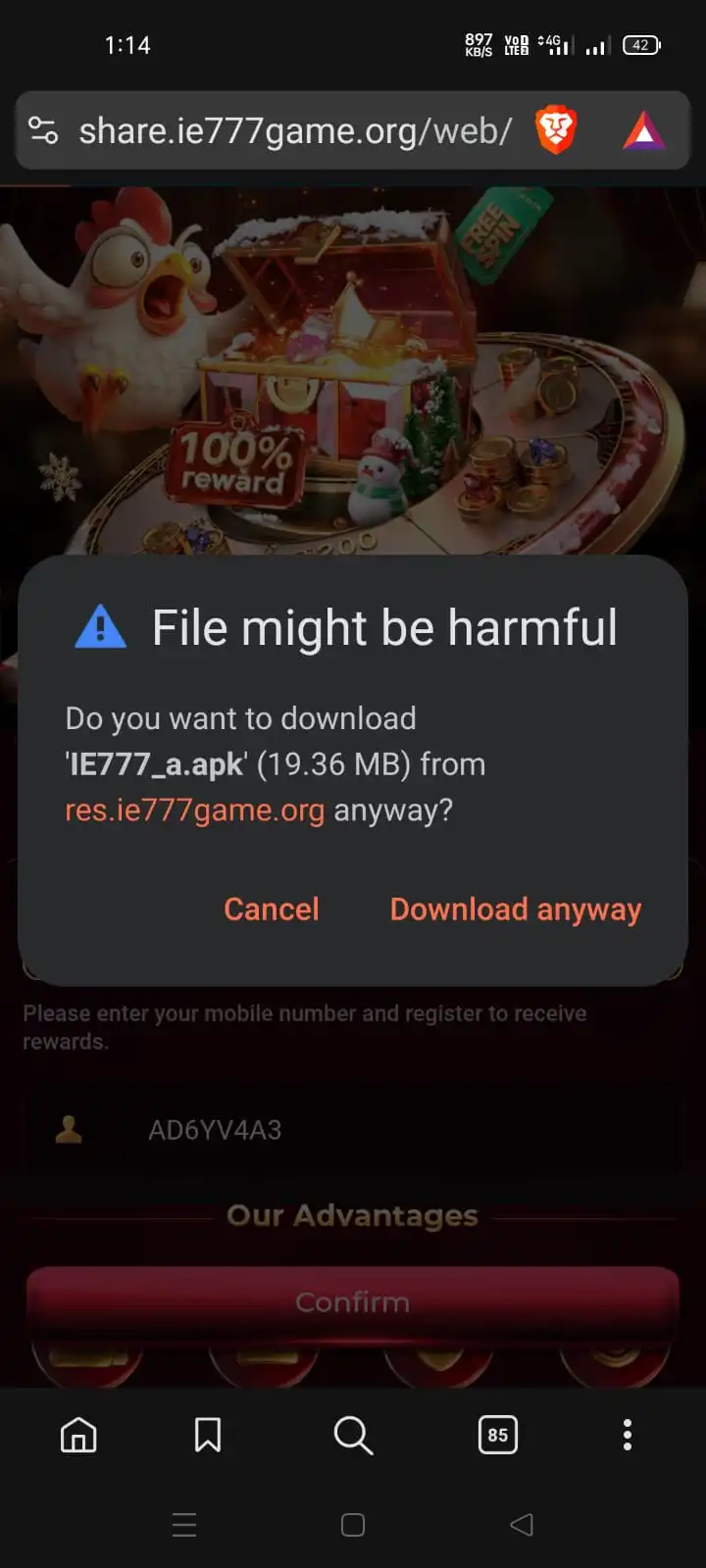
✓ Are you using the right app? There are fake "IE777" apps. Make sure you downloaded from the official source.
✓ Is your internet working? Try opening a website to check.
✓ Did you update the app? Old versions often have login bugs.
✓ Are you using the right login method? IE777 has mobile OTP, username/password, and sometimes email login.
If those don't help, keep reading for your specific issue.
📱 OTP Not Coming? Here's Why & How to Fix It
This is THE most common IE777 login problem. Here's what's happening and exactly how to fix it.
Problem: "Waiting for OTP..." but nothing arrives
What's happening: Your phone is probably treating the OTP as spam SMS. Or the SMS gateway is delayed. Or you entered the wrong number.
Step-by-Step Fix (Do These in Order)
1. Wait 2 Full Minutes
Seriously. Don't press "Resend OTP." SMS delays of 1-2 minutes are normal. Set a timer if needed.
2. Check Spam/Promotions Folder
Open your Messages app. Look for tabs labeled "Spam," "Promotions," or "Social." OTPs often land there.
3. Use Voice OTP (If Available)
On the OTP screen, look for "Get OTP via call" or "Voice OTP." Click it. A robot will call you with the code.
4. Restart Your Phone
Turn your phone completely off, wait 30 seconds, turn it back on. Then try OTP again.
💡 Pro Tips for OTP Issues
Jio/Airtel users: These networks often block gambling SMS. Use voice OTP immediately.
Changed your number? You need to contact support to update it in their system.
Traveling abroad? Indian OTP won't work. Use username/password login instead.
🔐 Password Not Working? Common Causes & Fixes
You KNOW your password is right, but IE777 says it's wrong. Here's what's actually happening.
Problem: "Invalid Password" when you're sure it's correct
Likely causes: Auto-caps is on, auto-correct changed something, you have extra spaces, or you're using the wrong login method entirely.
Quick Fixes to Try:
1. Show Your Password
Tap the eye icon 👁️ next to the password field. See what you're actually typing. You might be surprised.
2. Type in Notes App First
Open Notes or WhatsApp, type your password there, copy it, then paste into IE777. This bypasses auto-correct.
3. Just Reset Your Password
Click "Forgot Password?" → Enter mobile → Get OTP → Set new password. Seriously, it's faster than trying 20 times.
⚠️ Password Reset Not Working?
If "Forgot Password" also doesn't send OTP, your mobile number might be blocked in their system. You'll need to contact support with:
• Your registered mobile number
• Screenshot of the error
• Last transaction details (if any)
👤 "Account Not Found" or "Invalid User"
The app acts like you never signed up. Money might be inside! Don't panic - here's how to recover it.
Problem: Account seems to have vanished
Possible reasons: Wrong login method, wrong app version, account deactivated due to inactivity, or you're using wrong credentials.
Account Recovery Checklist
1. Try ALL login methods: IE777 has mobile OTP, username/password, and sometimes email login. Try them all.
2. Check app version: Make sure you're using the latest IE777 app. Old versions can't connect.
3. Account inactive? If you didn't login for 6+ months, account might be deactivated. Contact support.
4. Wrong number? Try all your mobile numbers. You might have signed up with a different one.
🚨 URGENT: Money Stuck in Account?
If you have money in your account and can't login:
1. Contact support immediately
2. Provide your registered mobile number
3. Give approximate signup date and last transaction amount
4. They usually recover accounts within 24-48 hours
📱 App Crashing or Not Loading?
If the IE777 app itself is having problems, here's how to fix it.
Problem: App crashes on launch or during login
Common causes: Outdated app, corrupted cache, insufficient storage, or incompatible device.
App Troubleshooting Steps
1. Clear App Cache
Settings → Apps → IE777 → Storage → Clear Cache. Then restart app.
2. Update the App
Uninstall IE777, then download and install the latest version from the official source.
3. Check Device Compatibility
IE777 needs Android 6.0+ and at least 2GB RAM. If your phone is very old, it might not work.
💡 Still Having App Problems?
Try on another device: Borrow a friend's phone just to login and withdraw your money.
Use mobile website: Sometimes the mobile site at m.ie777.net works when the app doesn't.
Wait and retry: Sometimes server issues cause temporary problems. Try again in 30 minutes.
📞 Need to Contact IE777 Support?
If nothing above worked, here's how to actually get help from IE777 support.
📝 How to Write a Good Support Request
Don't just say "can't login." Include:
1. Your registered mobile number
2. Exact error message (screenshot if possible)
3. What you've already tried
4. When you last successfully logged in
5. Any transaction details (if money is involved)
❓ Quick Answers to Common Questions
Usually your phone is blocking spam SMS. Check your spam folder, wait 2 minutes, or use the voice OTP option. Jio and Airtel users often need voice OTP because these networks block gambling-related SMS.
Click 'Forgot Password' on login screen, enter your mobile number, get OTP via SMS or call, then set a new password. Takes 30 seconds. If OTP doesn't come, use voice OTP or contact support.
You might be using wrong login method (mobile vs username), wrong app version, or your account was deactivated due to inactivity (6+ months without login). Try all login methods and contact support if none work.
Yes, but not simultaneously. If you login on a new device, you'll be logged out of the old one. This is a security feature to prevent account sharing.
You need to contact support to update your number. Provide old number, new number, and some proof of identity. Do NOT create a new account with new number - your old account with money will still exist separately.
Yes! Many users don't know this. If you created a username during signup, you can use that instead of mobile OTP. Useful when traveling or when SMS is delayed.
Hopefully You're Logged In Now!
Login issues can be frustrating, but they're usually simple to fix once you know what to do.